Ang Mo Kio
Ang Mo Kio Ave 4, Blk 631 #01-940, Singapore 560631
Marine Parade
Marine Parade Central, Blk 83 #01-550, Singapore 440083
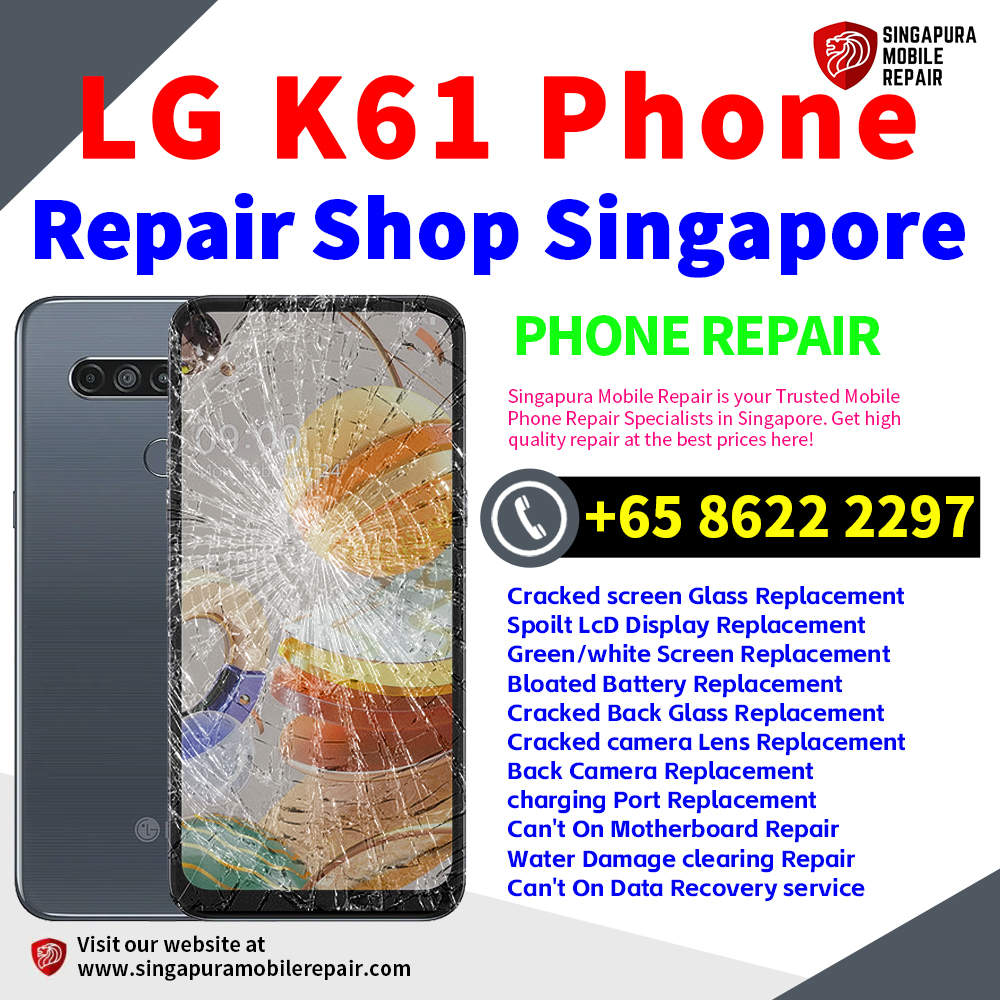
LG K61 Charging Port Repair Singapore-LG手机维修中心新加坡
$50.00
LG K61 Charging Port Repair Singapore — A loose USB-C port, intermittent charging, a plug that works only at an angle or a failed wired-data connection makes the charging system worth checking. The port should be inspected before replacement because the cable, charger, debris, corrosion, battery, liquid exposure or motherboard can cause similar symptoms. Assess USB-C plug fit, cable response and wired data on the actual K61 before a charging-port fault is confirmed. LG手机维修修理服务中心新加坡实体店。
What You Need to Know
Estimated Repair Time: Around 1–2 hours, depending on the device condition, fault complexity and parts availability. This is an estimate, not a guaranteed completion time.
In-Store Repair: Diagnosis and repair are carried out directly at Singapura Mobile Repair Shop by our experienced technicians.
Warranty: 1 Month Warranty against non-human / non-accidental damage. Clear external or mechanical connector damage, including drop or impact damage and damage associated with continued use while charging, is excluded. Eligibility remains subject to assessment.
Payment: All repair/service fees are in SGD. We accept Cash, PayNow, PayLah!, CDC Vouchers (general vouchers, excluding supermarket vouchers), and Visa/Mastercard. An additional service charge applies to Visa/Mastercard payments.
Need the charging fault checked? WhatsApp Singapura Mobile Repair for an assessment.
Description
Charging symptoms do not automatically prove a port fault
A loose USB-C port, angle-dependent charging, repeated disconnections or failed wired data can make the charging connection worth checking. A cable, charger, debris, corrosion, battery, liquid exposure or motherboard fault can produce similar symptoms.
Do not insert metal tools or apply liquid cleaners to the charging connection. DIY cleaning can bend contacts, create a short circuit or push debris further inside.
What the charging assessment checks
- Physical connector condition and plug fit.
- Charging stability with suitable known-good accessories.
- Visible debris, corrosion or impact damage.
- Wired data behaviour where relevant.
- Battery, liquid-related and wider power symptoms.
Confirm the LG K61 before repair
LG documents a non-removable 4,000mAh battery and USB Type-C charging. The actual handset and its supported charging path are checked before a connector repair is confirmed. Assess USB-C plug fit, cable response and wired data on the actual K61 before a charging-port fault is confirmed.
Charging port, battery or motherboard?
Rapid drain, swelling or unstable percentage readings may make LG K61 Battery Replacement the better starting point. The K61 has a 4,000mAh battery and a documented USB-C charging path; confirm the exact market version and assess battery and wired-charging behaviour separately.
A phone that remains unresponsive or has several failed functions may require LG K61 Motherboard Repair after simpler causes are considered. Hole-in display output and USB-C response should be tested separately, and the exact K61 market version should be confirmed before board-level diagnosis.
Before and after charging-port repair
Bring the cable or charger that shows the problem if possible. Make a current backup and describe any drop, forced plug, liquid event or unusual heat. Handover testing checks plug fit, stable charging, the agreed wired function and visible connector condition.
If important files are the priority on an inaccessible phone, LG K61 Data Recovery is a separate service. Use the LG K61 repair hub to compare all seven repair paths using the phone’s 6.53-inch FHD+ IPS LCD FullVision hole-in display with 2340 × 1080 resolution, non-removable 4,000mAh battery and supported charging setup.
LG K61 Charging Port Repair FAQs
Does slow charging mean the LG K61 charging port is faulty?
No. Cable, charger, debris, battery, software, heat and motherboard faults can also slow charging. LG documents USB Type-C charging for this LG K61; report the cable, plug-fit, wired-charging and wired-data behaviours separately from its non-removable 4,000mAh battery. Confirm the exact market version before treating any additional charging feature as evidence. The port must be assessed before replacement is confirmed.
How long does LG K61 charging-port repair take?
The estimate is around 1–2 hours, depending on device condition, fault complexity and parts availability. It is not a guaranteed completion time.
Can I clean a loose or intermittent USB-C port myself?
Avoid metal tools, liquid cleaners and force. These can bend contacts, cause a short or push debris deeper. Arrange an assessment if gentle external inspection does not resolve the issue.
How is a battery fault separated from a charging fault on the LG K61?
Testing considers battery behaviour, a known-good cable and charger, the charging connection and wider power symptoms. One slow or incomplete charge does not by itself prove the battery is faulty.
What warranty applies to charging-port repair?
A one-month warranty applies against non-human and non-accidental damage. Clear external or mechanical connector damage, including drop or impact damage and damage associated with continued use while charging, is excluded subject to assessment.